Cisco · 2022 — present
Webex Events
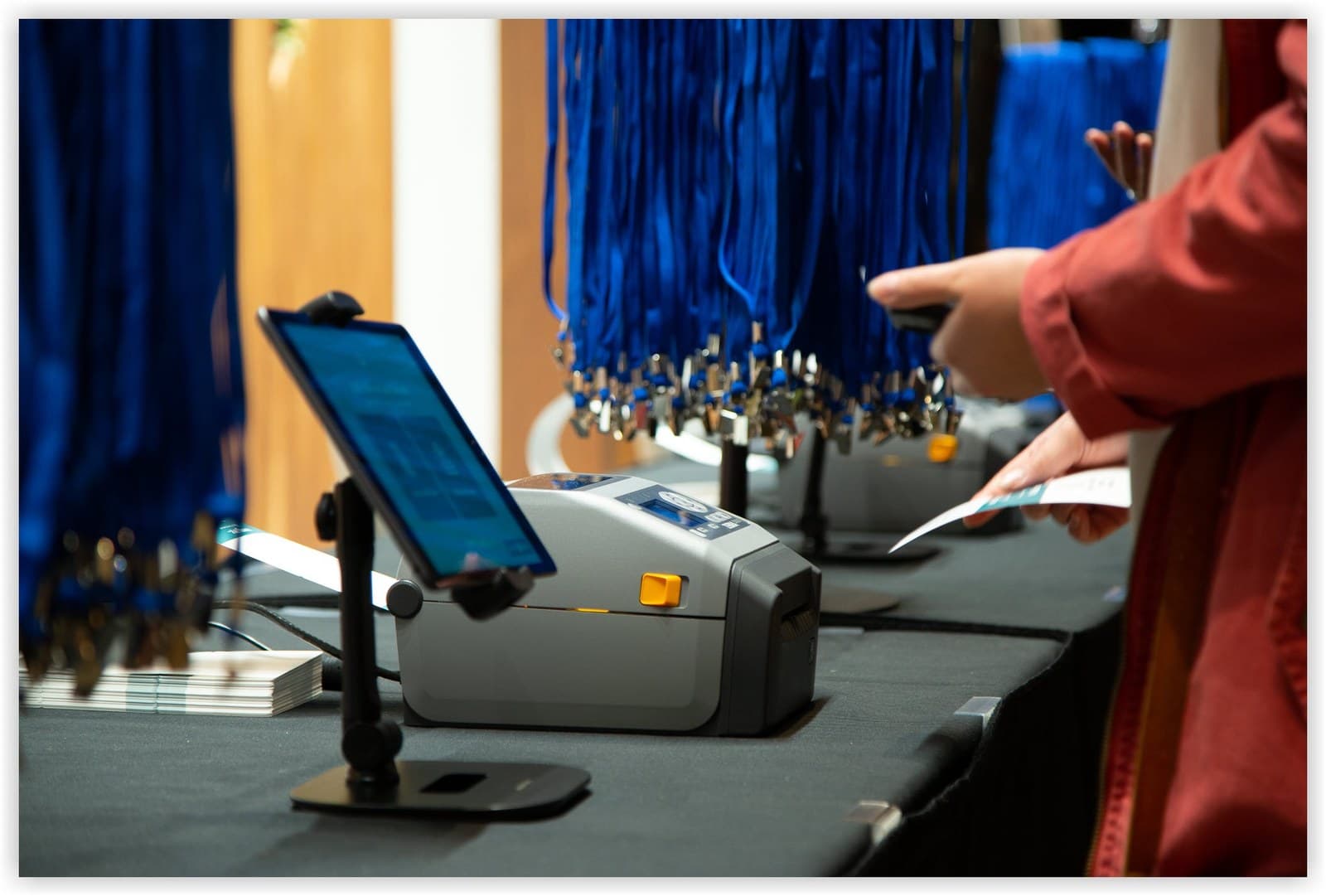
I lead the teams behind Registration and Check-In. It is the first minute of every event, when all anyone wants is to get in. Along the way we rebuilt the platform, so a planner creates one event instead of five.
- Period
- 2022 — present
- Made at
- Webex Events, Cisco
- Role
- Product Manager
- Medium
- Registration and check-in
- For
- Virtual, hybrid and in-person events
- Launched
- Session Check-in, August 2023
Work 1.1
Session check-in, from scratch
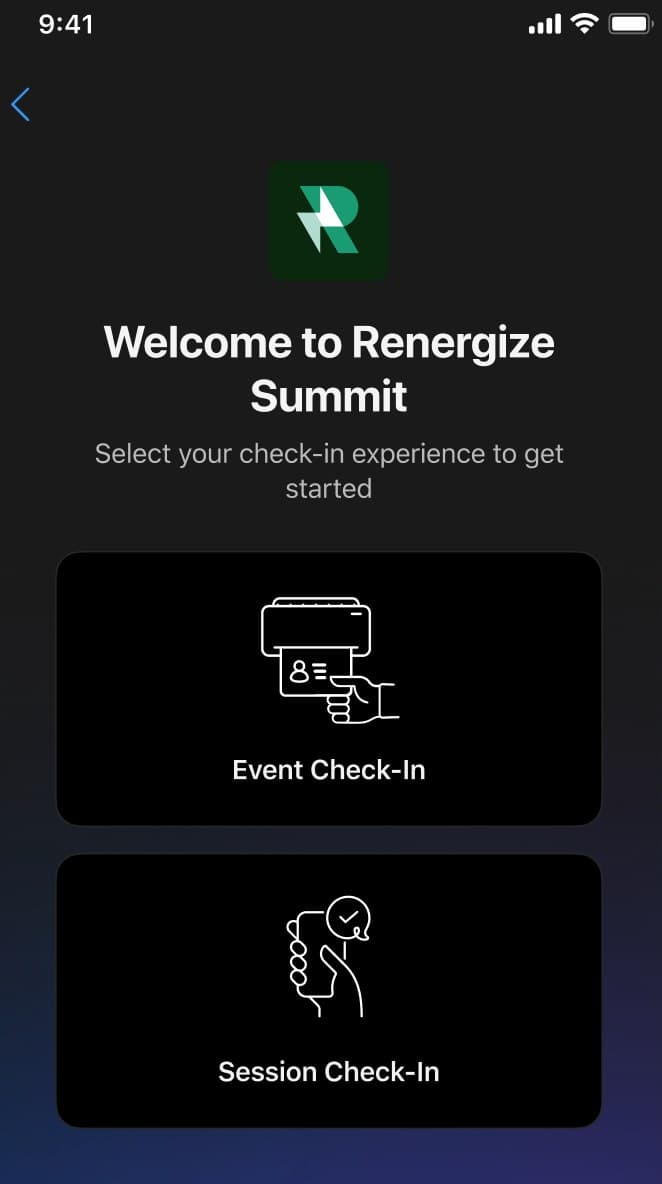
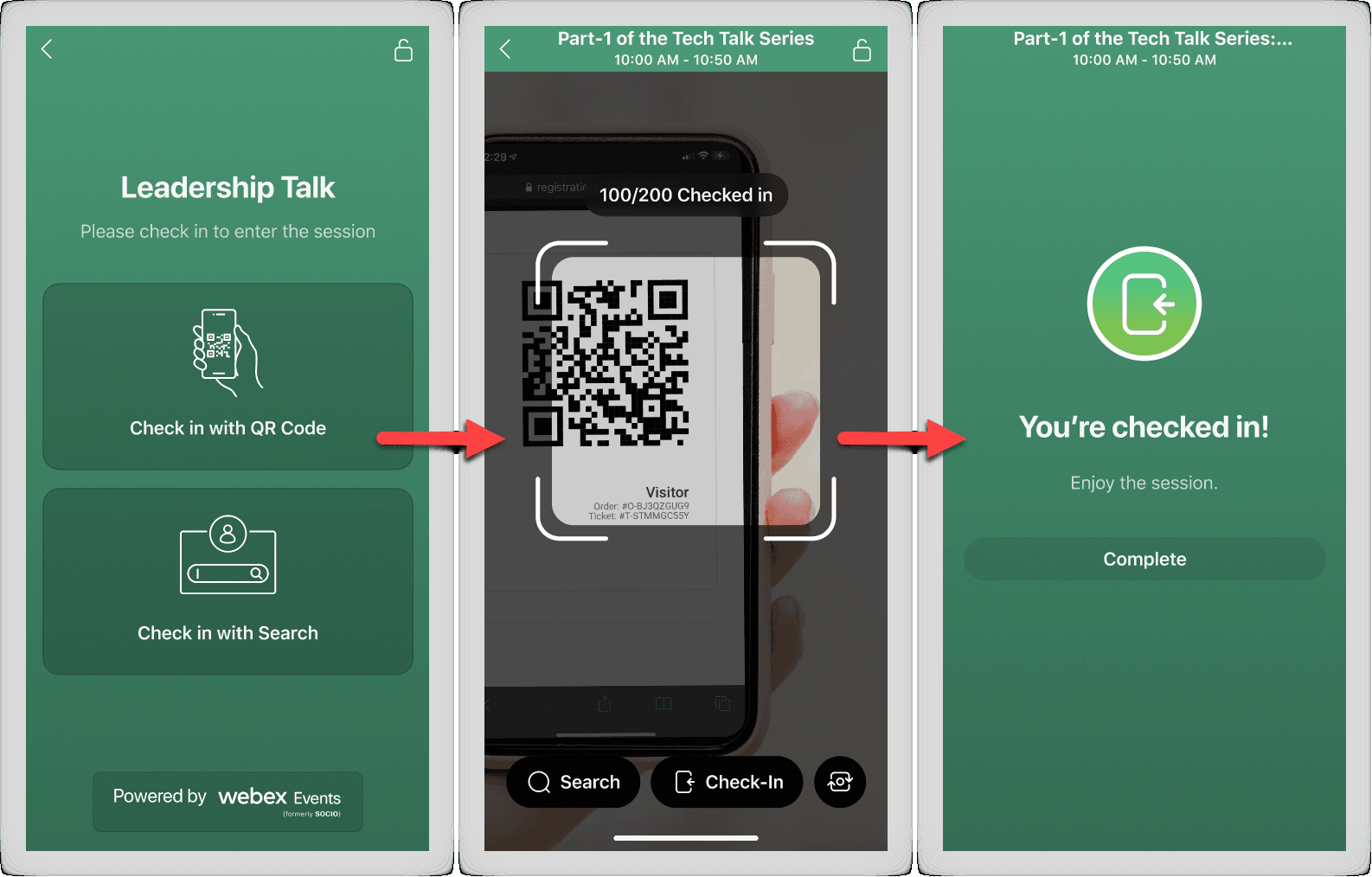
A new product inside the Onsite app: attendees check into a session by QR code or by name. Launched in August 2023.
- Planners were tracking who came to which session by hand. Now it is a scan or a name search, and the list is live.
- Rules travel with the session: capacity, access by track or personal agenda, check-out, and a device lock for the door.
- Built for venues with bad Wi-Fi: check-ins queue offline and sync when the signal returns.
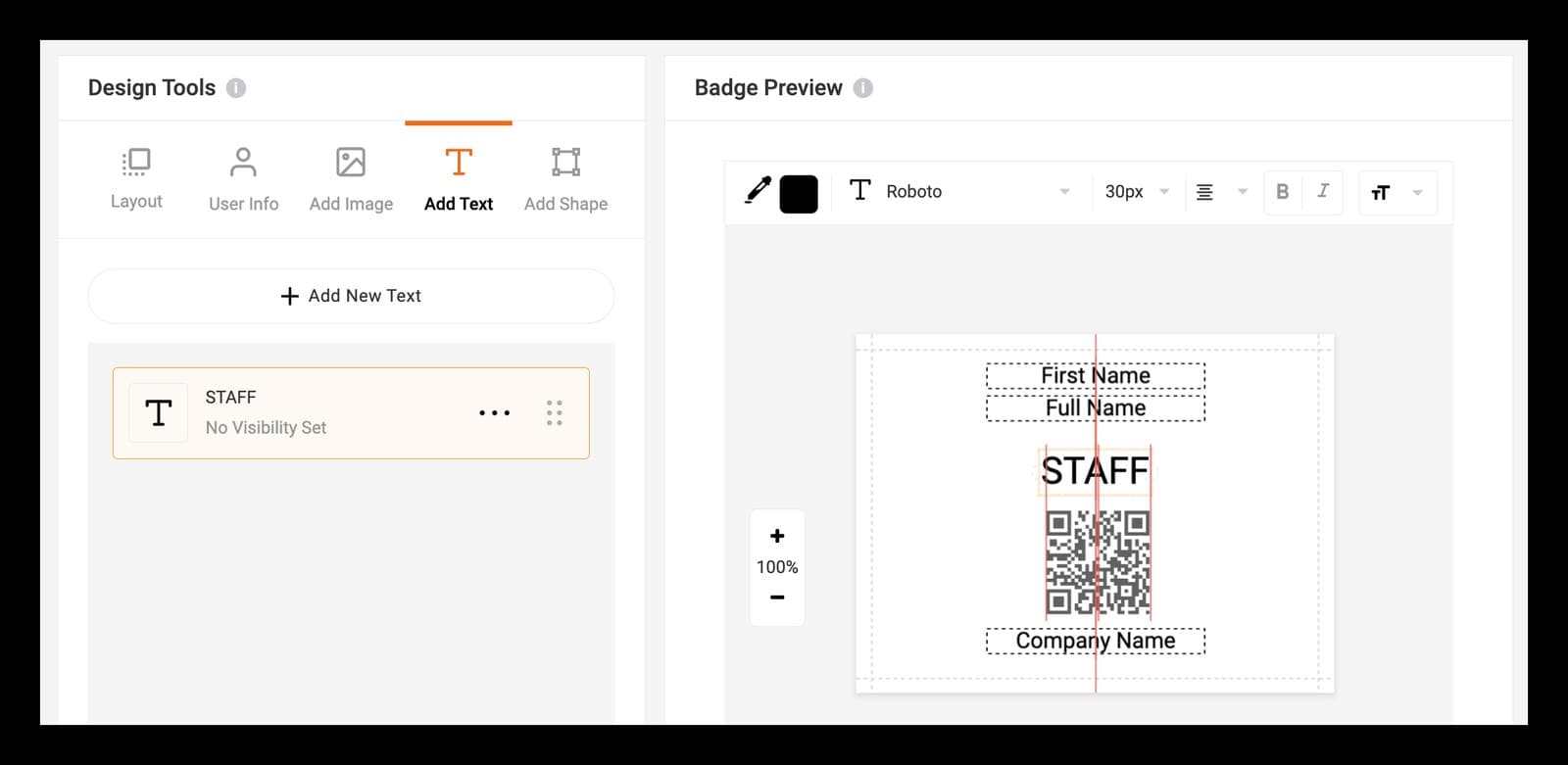
- Shipped with Onsite 2.0 on 11 August 2023, in the same app that prints the badges.
Work 1.2
One event, all products
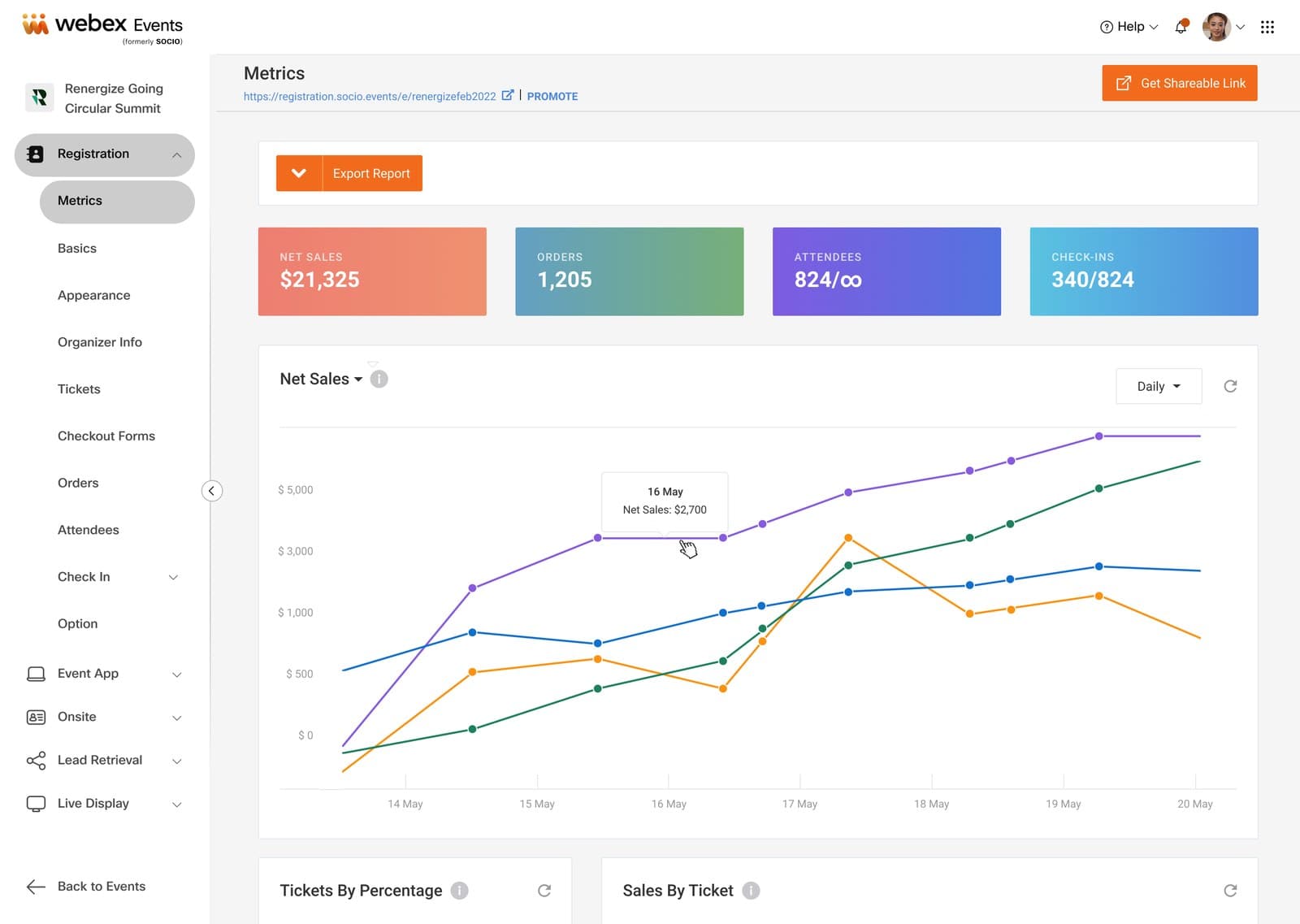
The platform redesign: a planner creates one event and turns on Registration, Event App, Onsite and the rest inside it.
- Before, each product was its own event, created separately and linked by hand. Routine tasks needed a support ticket.
- We started from the whole journey: feedback, usage and funnel data, planner interviews, and the full creation flow mapped with design and engineering.
- Creating an event went from 23 clicks to 11. Support tickets and ad hoc requests in the technical channel fell.
- The hard part was saying not now: every team wanted to add its own change while the experience was being rebuilt.
Work 1.3
Registration
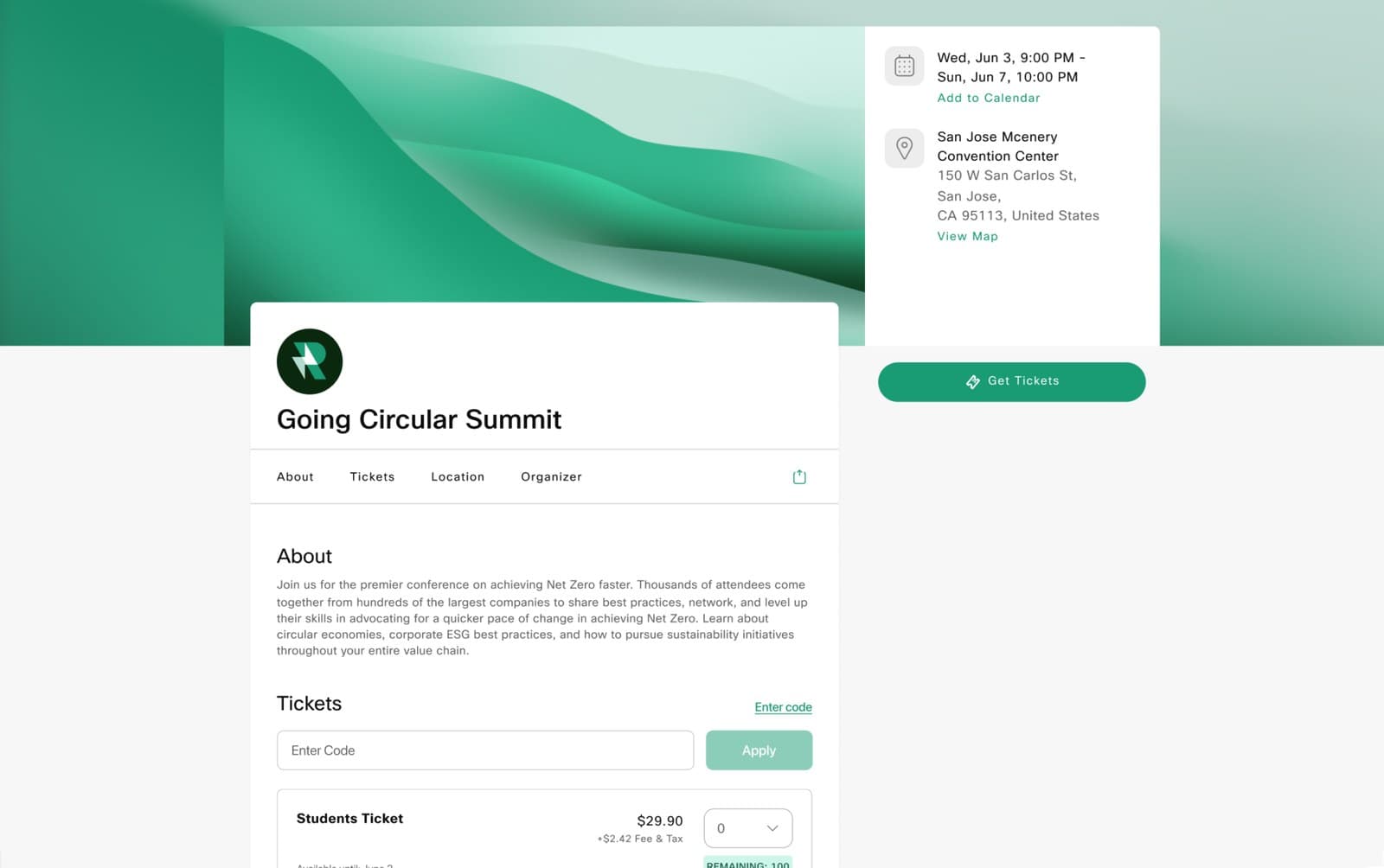
Branded registration pages, tickets and checkout: the front door of the event.
- Tickets with access codes, promo codes and conditional questions, so attendees only see what applies to them.
- Paid registration without a Stripe account: invoice and check joined card payments.
- Small things planners asked for: hide a ticket when it sells out, a direct link to one ticket, the event's time zone on the page.
Work 1.4
The numbers on the day
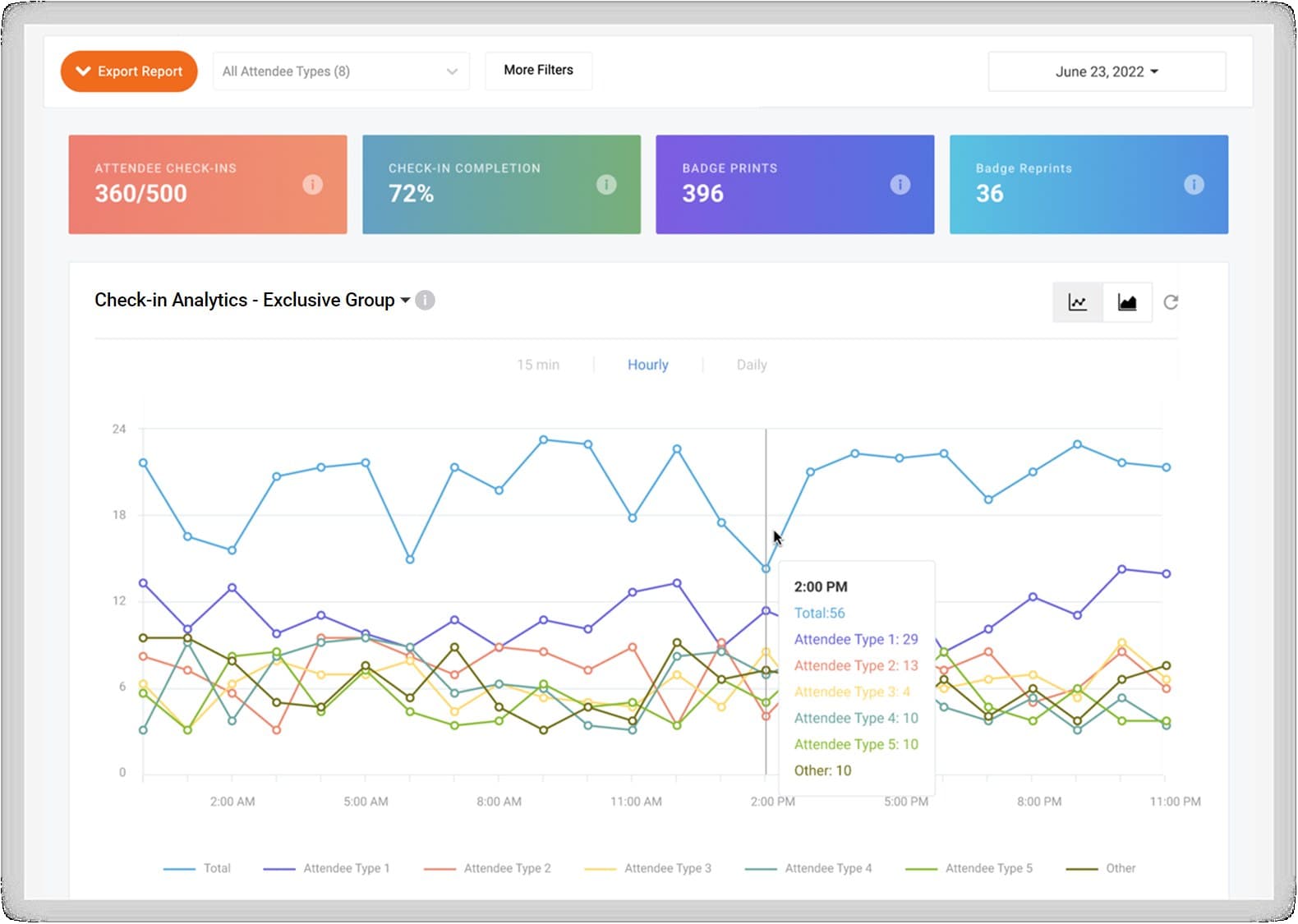
Check-in analytics: when the queue peaks, how many badges were printed, and who has not arrived yet.
- Check-ins by attendee type at 15-minute, hourly or daily intervals, with badge reprints and printer use.
- The same data, exported for the report after the event.
From the same years